


To manage your domain DNS, like updating the A record and other records based on your need, do the following:
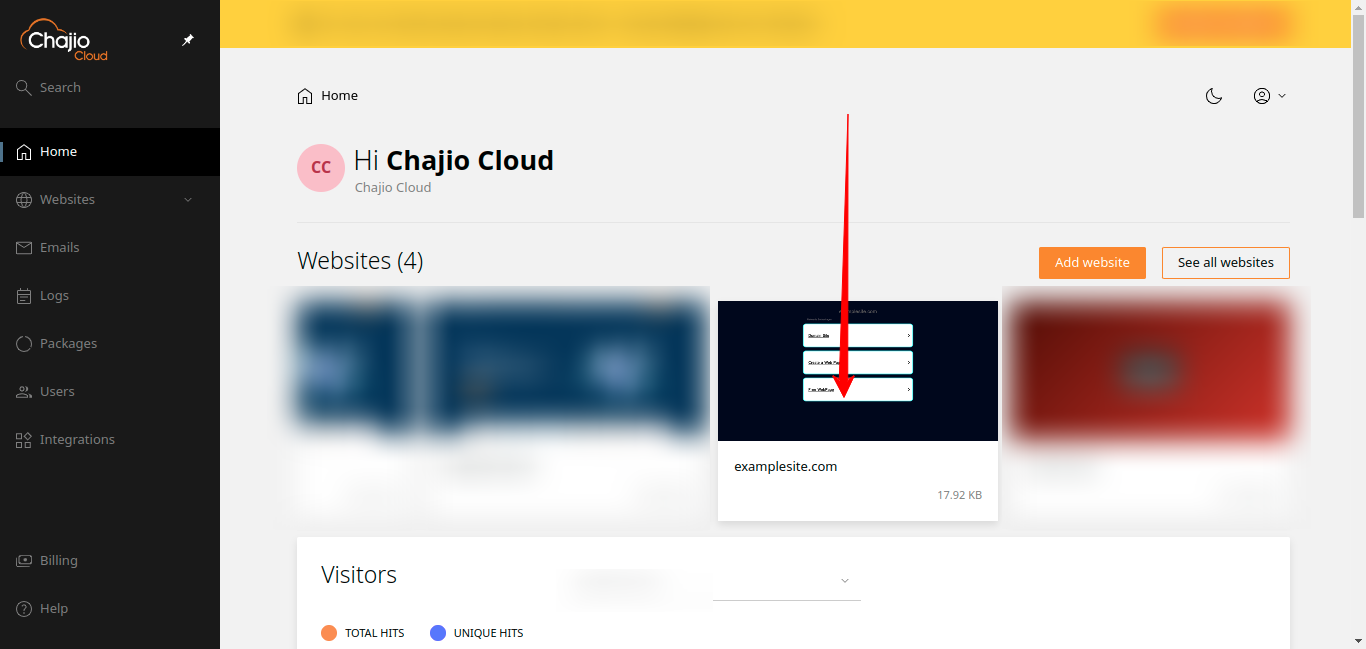
- Login to your control panel and click on the domain you want to manage its DNS records as shown in the example bellow:
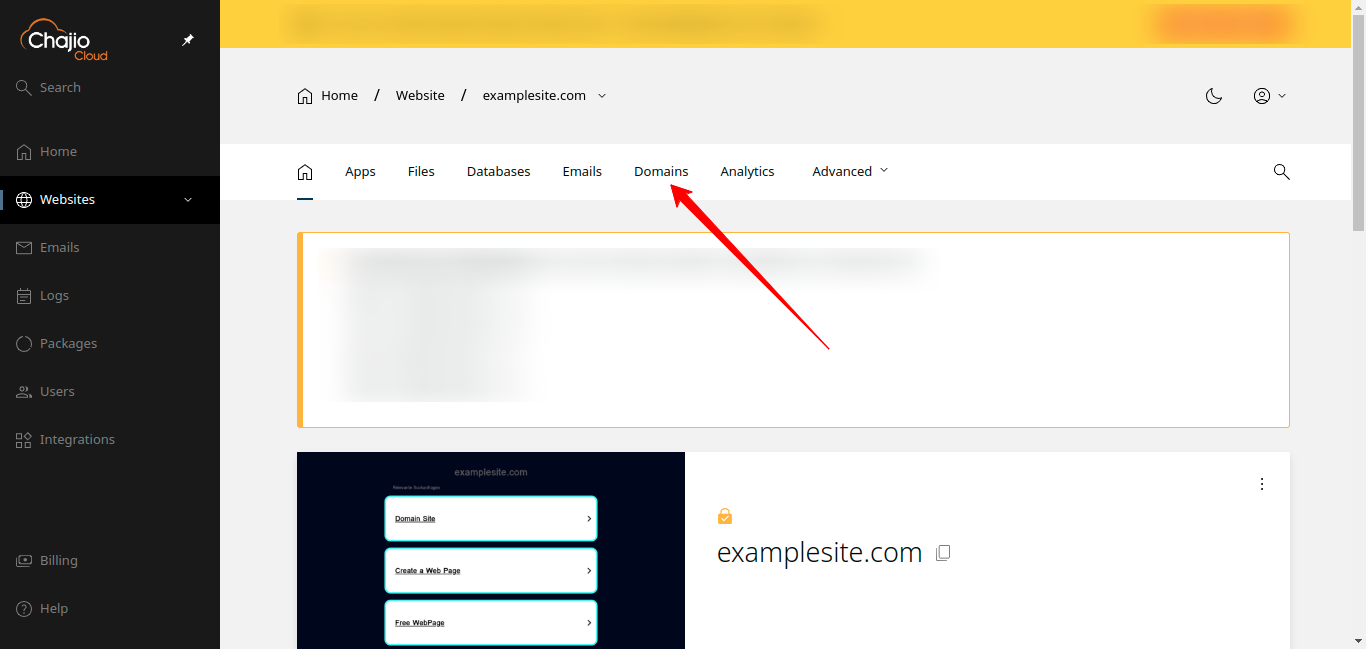
2. Click on domains as shown bellow:
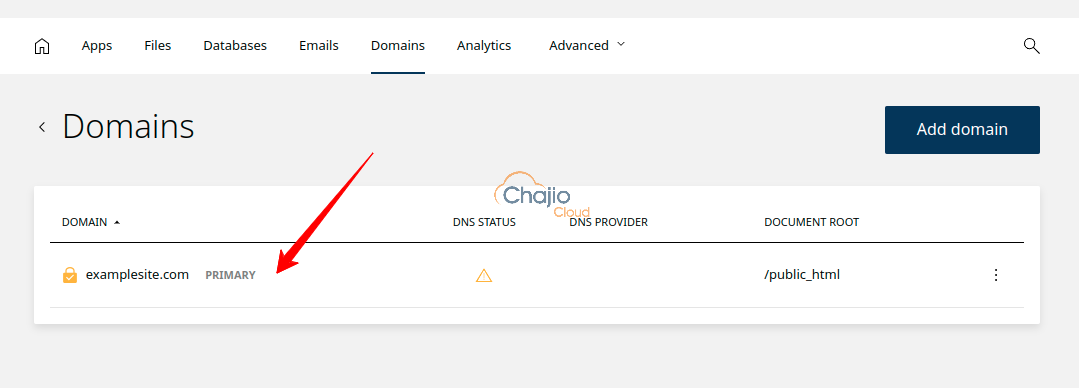
3. Click on the primary domain as shown bellow:
4. Scroll down to a DNS records section and add your preferred record or edit the existing one to meet your requirement as shown bellow:
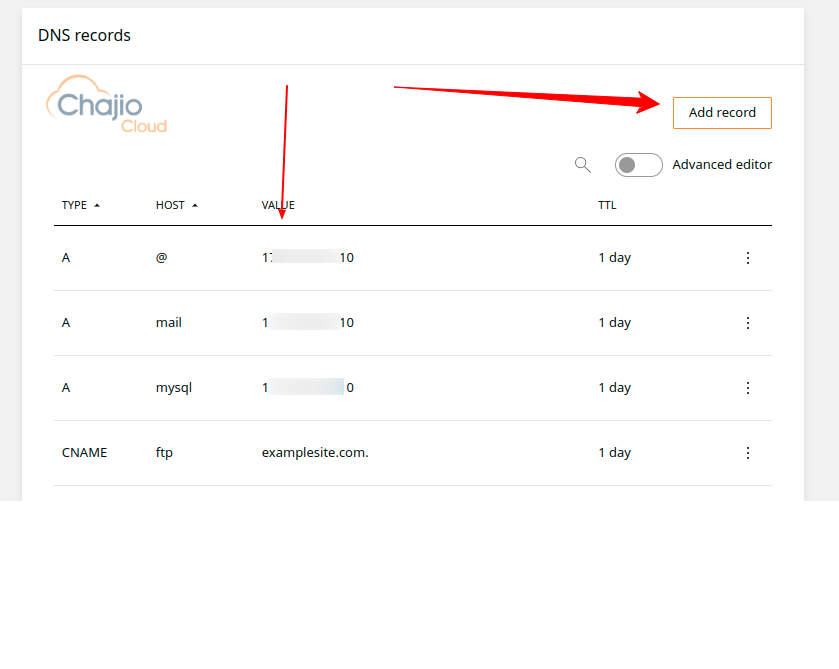
Thant is all you need to manage your domain DNS records. Note that all the domains dns records including the subdomain records are under the primary domain.
Cheers!